All tutorials
3 steps
Create a custom pose
Create custom poses by simply uploading a photo. Then use them for your visuals.
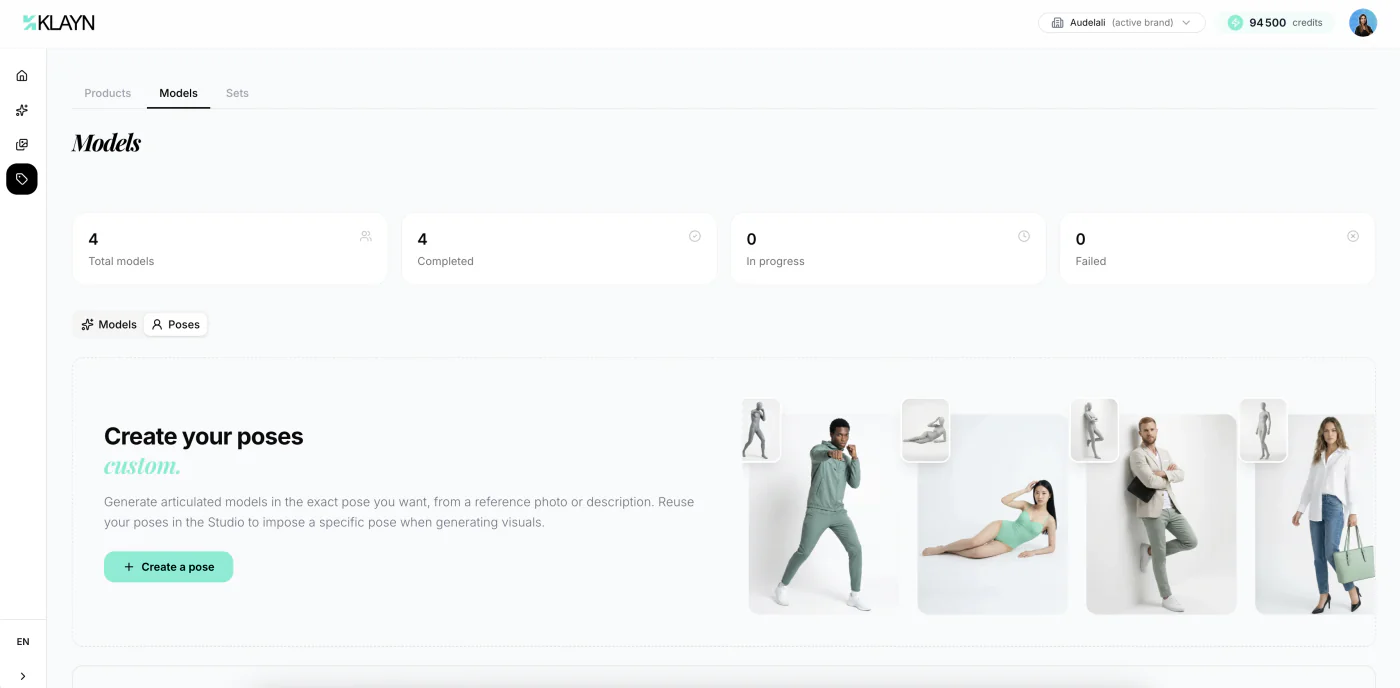
1/3
Access your poses
Poses are grouped with your models. In the side menu, expand "My brand", click "Models" then open the "Poses" tab. Here you'll only find the custom poses you've created for your brand.
The Klayn pose library, which offers many ready-to-use poses sorted by category, is available directly in the visual creation form when you're choosing a pose.
Ready to get hands-on?
Create your account and put what you've just learned into practice.
Create an account