All tutorials
4 steps
Getting started with Klayn
Discover the Klayn interface and learn to navigate your workspace. This tutorial guides you through the essential features to get started.
1/4
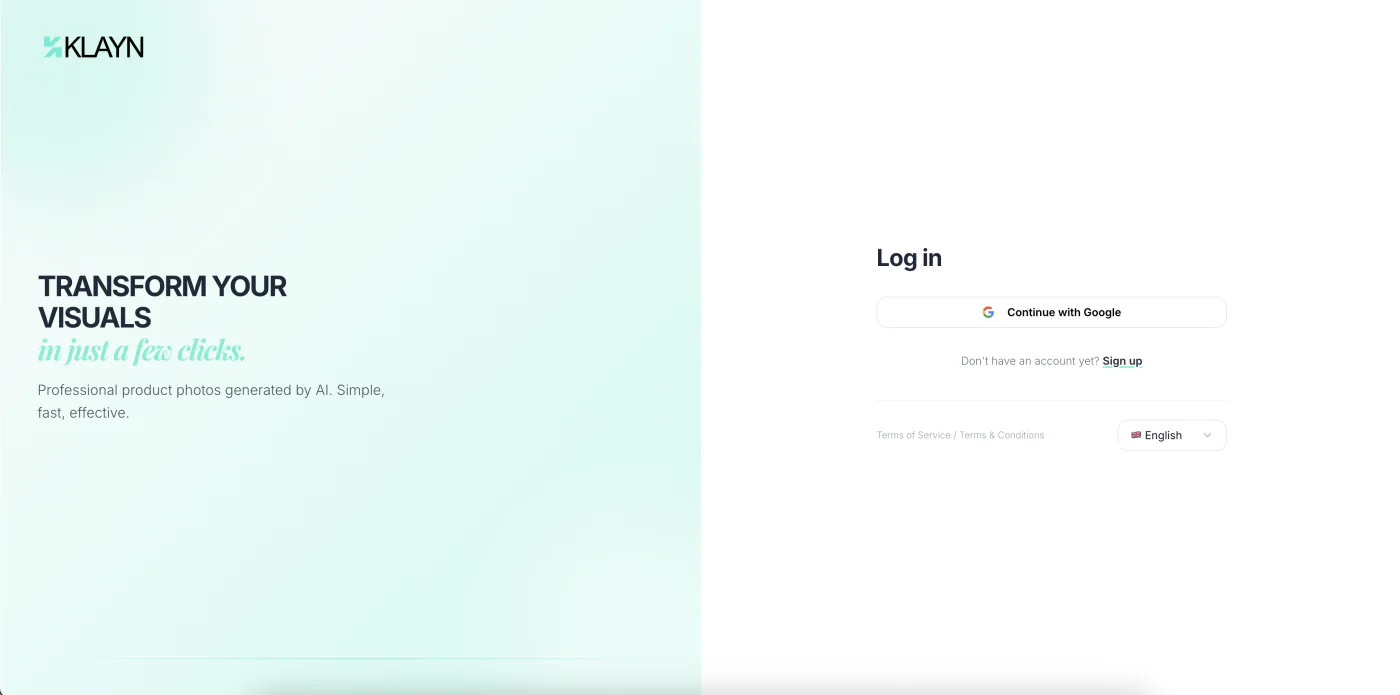
Create your account
Go to Klayn and click «Sign up» or «Create an account». Log in within seconds with your Google account — no password to remember. A short onboarding form then lets you set up your profile. A first brand is automatically created for you. Each brand has its own content (models, sets, poses, creations), so you can manage several projects or clients separately.
Ready to get hands-on?
Create your account and put what you've just learned into practice.
Create an account