All tutorials
6 steps
Create a custom model
Define a unique AI model that represents your brand. Maintain visual consistency across all your visuals with a recurring model.
1/6
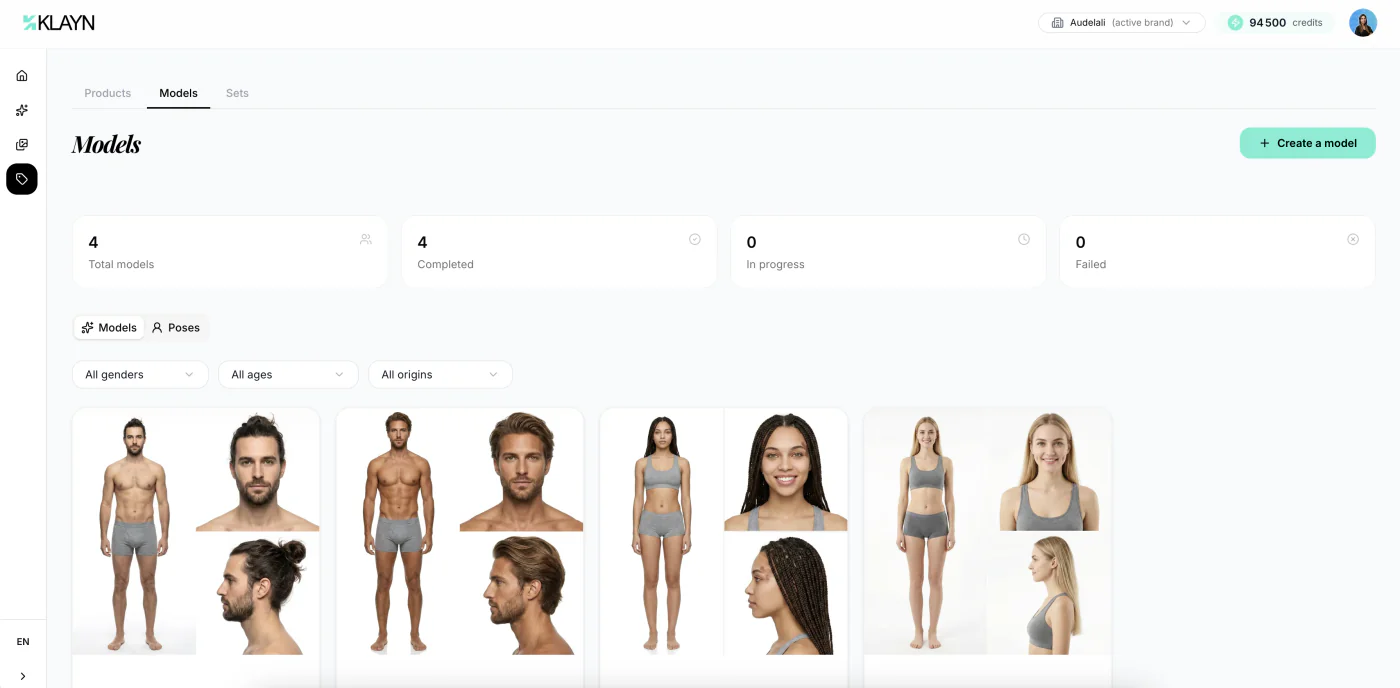
Go to model creation
In the side menu, expand "My brand" then click "Models". Here you'll only find the models you've created for your brand. The Klayn model library is offered directly in the visual creation form, when you're choosing a model. Click "Create a model" to get started.
Ready to get hands-on?
Create your account and put what you've just learned into practice.
Create an account