How can we
help you?
Interactive tutorials, FAQ, and documentation to master Klayn.
Interactive guides
Learn step by step
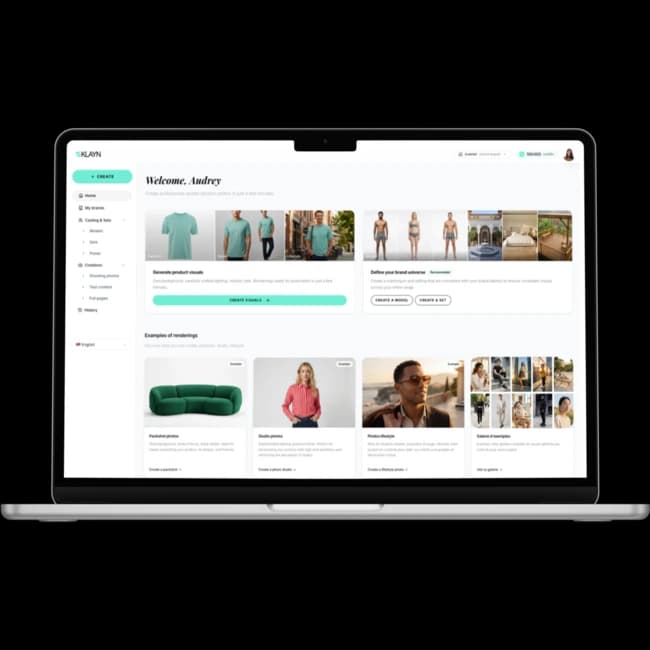
Getting started with Klayn
Discover the Klayn interface and learn to navigate your workspace. This tutorial guides you through the essential features to get started.
Get started
Packshot, Studio, or Lifestyle: which one to choose?
Understand the differences between the three visual types and learn to choose the right format for your e-commerce needs.
Get started
Create your first product visual
Learn how to generate a professional e-commerce visual in just a few minutes. From importing your product photo to downloading the final result.
Get startedFrequently asked questions
What can I create with Klayn?
Klayn allows you to quickly produce all the content needed for an e-commerce product page. You can generate product visuals (product shot, studio photo, Lifestyle staging, or mixed formats), texts (short or detailed descriptions, SEO-optimized), as well as complete ready-to-use pages (e.g., a product page combining visuals and editorial content). Depending on your needs, you can also create short video animations (5 or 10 seconds) from your creations.
How long does a generation take?
Generations are asynchronous: they may take a few minutes depending on the content type. You can close the page or keep browsing, and you'll receive an email when it's ready.
How does billing work?
You are billed based on usage according to the number of credits consumed. Each generation consumes a variable number of credits depending on complexity. Check out our pricing for more details.
Can I use the API in production?
Yes, our API is designed for production use. See our documentation for integration and best practices.
What happens if a generation fails?
In case of a technical failure, the generation status changes to "Failed" and your credits are automatically refunded, with a notification to inform you.
Can I edit a visual after generation?
Yes: after generation, you can perform several actions depending on the content type, such as retouch (via instructions), resize, create variations, upscale to 4K, and animate your visuals (if the image contains a model).